
Civo Object Storage browser for Mac.
Native S3-compatible file browser. Pause idle buckets to a central vault to save costs.
Civo Object Storage is S3-compatible. CivoCloudManager ships a native S3 client written in Swift, ListObjects v2 and Get, with AWS Signature V4 implemented on top of CryptoKit. No AWS SDK, no Electron wrapper. Browse buckets, download single files or whole folders, and pause idle stores to a central vault to stop paying for them.
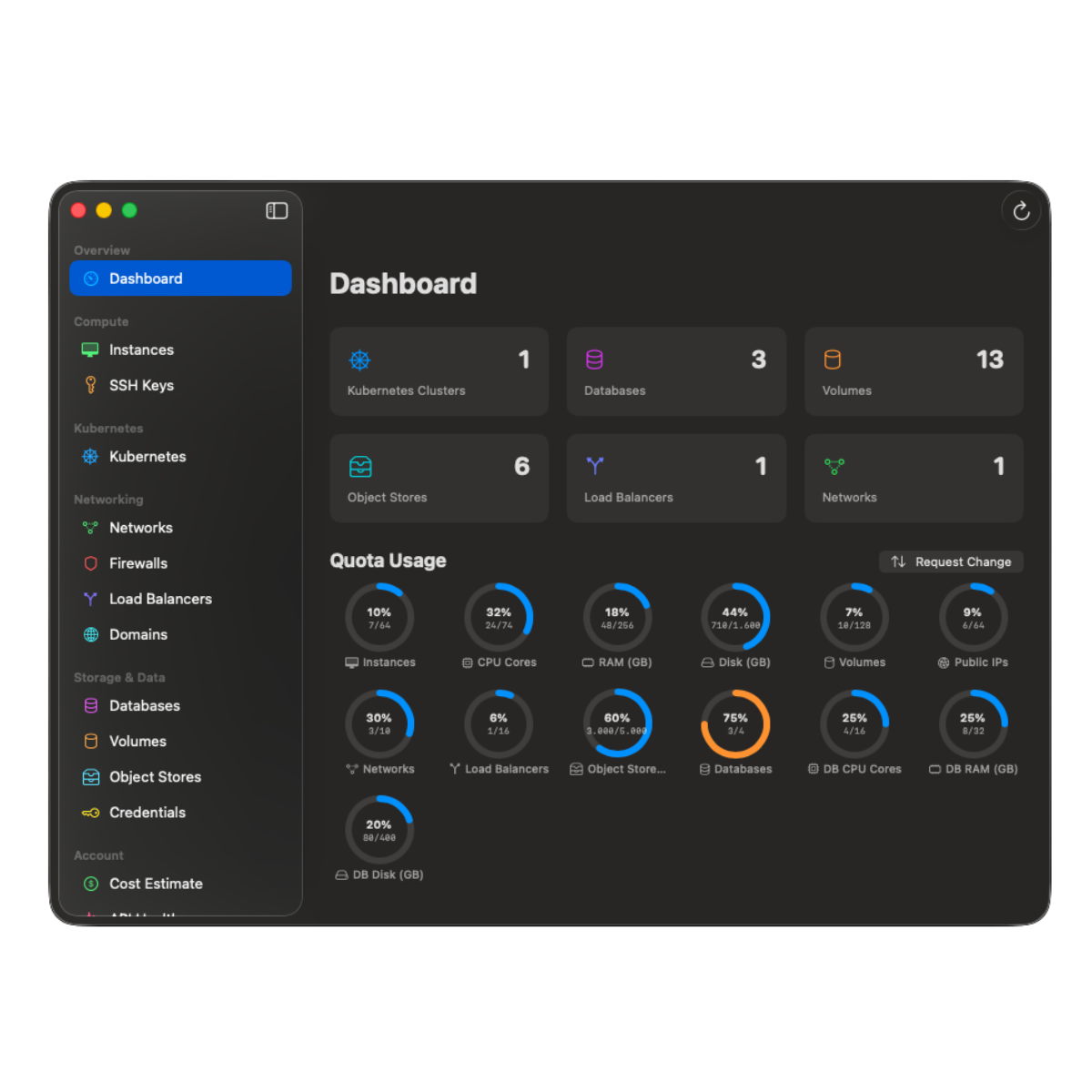
What the Object Storage browser delivers.
-
Native S3 client, no AWS SDK.
ListObjects v2 and Get implemented directly in Swift, signed with AWS Signature V4 via CryptoKit HMAC-SHA256. Browse and download; uploads and deletions stay with s3cmd or rclone. Apple Silicon native, zero external runtime dependencies.
-
Folder navigation with breadcrumbs.
Common-prefix-based folder model. Drill into subfolders, jump back via the breadcrumb trail, multi-select files.
-
Single, multi and recursive download.
Download one file, a multi-selection, or a whole folder recursively. Files land in your Downloads folder; progress sheet shows file count, bytes, current item.
-
Pause and Resume.
Pause copies every file from an Object Store into a central civo-cloud-manager vault, verifies keys and sizes, then deletes the original. Resume recreates the store with the same name and credentials and restores every file. The vault auto-resizes; transfers run four in parallel; verify-before-delete is on by default.
-
Touch-ID-gated credentials.
Object Store access keys live in macOS Keychain. Revealing the secret key requires Touch ID (or the system password fallback).
-
Object Store resize.
Resize the maximum size of any store via the detail view stepper, PUT /objectstores/:id under the hood.
How Pause/Resume saves money.
An idle Civo Object Store still costs you for its allocated maximum size, even with zero traffic. Pause copies the contents into a single shared vault store (auto-grown ahead of the copy), verifies key-by-key, and then deletes the source store via DELETE /objectstores/:id, so the line item disappears from the Civo bill. Resume reverses the process: a new store with the same name and credentials is provisioned, files are restored from the vault prefix, and the vault is shrunk back. A manifest.json in the vault tracks paused stores so you can recover later even from a fresh Mac.
Why native SigV4 matters.
Most S3 clients on macOS ship the AWS SDK, multi-hundred-megabyte download, broad permissions, telemetry. CivoCloudManager signs every request with CryptoKit's HMAC-SHA256 directly. The bundle size stays small, App Sandbox stays tight (four entitlements, no file access beyond what you pick), and there is no third-party SDK to keep updated for the next CVE.
Deep dives
Targeted reads for each Civo product.
Every Civo surface CivoCloudManager touches has its own page with the specifics, the trade-offs, and the architecture details. Pick the one closest to what you do today.
- 01 Civo CLI alternative for Mac Where the GUI beats the CLI, where it does not, and how the two coexist.
- 02 Civo Kubernetes GUI for Mac Live cluster dashboard, real-time pod logs, no kubectl required.
- 03 Civo firewall from the Mac menu bar One-click open/close per firewall, auto-IP detection, auto-close timer.
- 04 Civo cost dashboard for Mac Real charges from the Civo charges API. Period picker and month-end projection.
Guides
Step by step, and honest comparisons.
- 01 Connect your Civo API key Generate the key in the Civo dashboard, paste it once, and let the macOS Keychain hold it from then on.
- 02 Open a firewall for your IP The manual procedure, the dynamic-IP trap it leaves behind, and a free menu-bar path that closes the rule on a deadline.
- 03 vs Lens, OpenLens and k9s Three cluster agnostic tools, one Civo specific one. The difference decides which you want open.
- 04 Civo Object Storage over S3 The regional endpoint, working configuration for s3cmd, rclone and the AWS CLI, and what a native client does differently.
- 05 Civo DNS on Mac Point a domain at Civo's nameservers, then keep the zone in a native app instead of a browser tab.
- 06 Changelog Every shipped release, newest first, with the detail a store release note is too short to carry.
Open Civo Object Storage in a native browser.
A one-time purchase on the Mac App Store. Family Sharing on.